Every visitor to your site
reaches you directly.
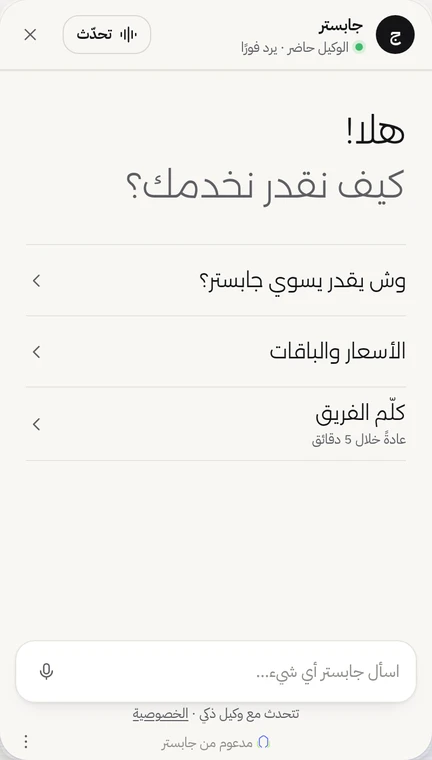
A chat in the corner of your site. Any visitor can write to you, and you reply from your dashboard. Unlimited conversations, and on top an agent that answers for you at any hour, with 100 AI credits a month.
- Free, no card
- Unlimited conversations
- See it on your site before you sign up
Businesses that serve their customers with Gabster















By the numbers
Real numbers, from real conversations.
customer conversations handled through Gabster
Straight to you
They write on your site. You see it in your inbox.
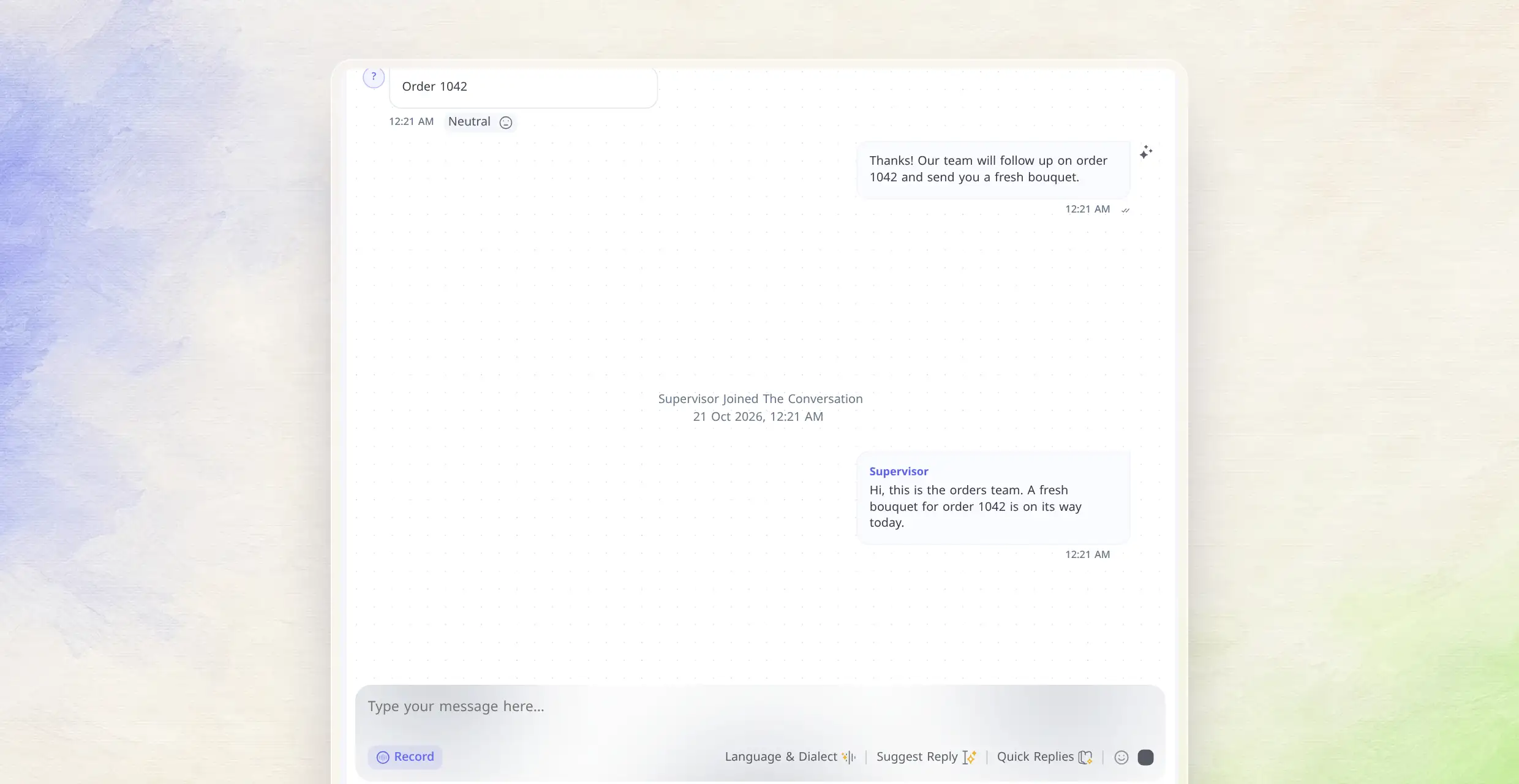
Every conversation from your website chat lands in the inbox in your dashboard. You reply from your dashboard, or you let your agent reply.
- Unlimited conversationsNo limit on the number of conversations, or on how many visitors write to you.
- Know who is writingYou can have the chat ask for the visitor’s name, number and email before they start, so you can get back to them.
- Alerts wherever you areIn the dashboard, and by email if you turn it on.
Your agent
It answers for you, and calls you when it needs you.
Your visitors don’t wait for office hours: your agent answers them from your site’s content while you sleep. If a visitor asks to talk to you, it hands over and you get an alert. When you join the conversation, the agent goes quiet.
- Learns from your siteYour products, services, prices and hours, from your own site’s content.
- Replies in your visitor’s languageIn Arabic, in your market’s everyday dialect, and in English when the visitor writes in English.
- Knows its limitsIt is built not to make up prices or policies. When it doesn’t know, it says so and hands over to you.
How it works
Four steps, and your visitors are talking to you.
- Enter your site linkNo sign-up.
- See it on your siteWe set up the chat and your agent from your site’s content, and you see it on a copy of your site that only you can see.
- Sign upWith Google or your WhatsApp number, no card.
- Install itCopy one line of code, or send it to whoever runs your site. We already have your site from step one.
Install
One line of code, on any site.
- Steps for your platformWe detect what your site is built on and give you its exact steps.
- Or send it to your teamWe email the code and steps to whoever runs your site.
- Installing it yourself?Follow the website chat guide
 WordPress
 Shopify
 Salla
 WooCommerce
- Wix
- Webflow
- Squarespace
- Lovable
- HTML
What’s free
Your website chat, free.
As your visitors grow, you pick a plan with more AI credits and a bigger team.
Free
Website chat
- ConversationsUnlimited
- AI credits a month100
- Team seats1
- Chat historyLast 7 days
- CardNot needed
When you grow
The same chat, with more capacity
- ConversationsUnlimited
- AI credits a monthMore, by plan
- Team seatsMore, by plan
- Chat historyLonger, by plan
Before you start
Your question isn’t here? Message us on WhatsApp
Is it really free?
Yes. Your website chat and its conversations are free, with 100 AI credits every month and no card, and you see the last 7 days of conversations in your inbox. If you need more AI credits or a bigger team, you pick a plan then.
What happens when your AI credits run out?
Visitors keep writing to you, and conversations land in your inbox for you to answer yourself. Your agent starts replying again when your credits renew, or when you pick a plan.
Can I reply myself instead of the agent?
Yes, in any conversation. As soon as you join, the agent goes quiet, and when you leave it replies again.
Will it make things up?
It answers only from your site’s content, and it is built not to make up prices or policies. When it doesn’t know, it says so and hands the visitor to you.
I don’t have a developer. Who installs it?
If your site is on WordPress, Shopify, Salla or Wix, we give you your platform’s exact steps and you install it yourself. If someone runs your site for you, we email them the code and steps.
Can anyone see it before I install it?
No. The preview runs on a copy of your site that only you can see. Your site doesn’t change until you add the code yourself.
I already have a Gabster account.
Log in first from “Log in” at the top, then enter your site link.
Let your next visitor talk to you.
Enter your site link and see the chat running on it.